Rural Education
Courses, labs and reference material that a teacher can carry to a classroom with a weak connection, or none, and that keep working on the machines…
Smartly-Cloudy
We build practical, offline-first tools for the people who teach, treat and respond: STEM educators first, and next rural clinics and response teams. The tools work on the equipment you already have, keep working when the connection drops, and leave your material in files you own.
No account needed: the demo is fully functional, and your work stays on your own computer. Free for non-commercial use. New here? Start with getting started.
Courses and records live in a folder on your own computer or a USB stick, in ordinary files you can open, copy and back up. The website only serves the tools; your work never reaches our server.
After the first visit the tools run without a connection. They are built for older laptops, Chromebooks and shared machines, and devices can sync directly with each other over a local network or a carried file.
Free for education, humanitarian work, non-profit medical care, and VA, Medicare and Medicaid providers. Commercial use needs a separate licence; see licensing.
Our first tool, in use today. It turns a course into the things a week of teaching actually needs.
Write lessons as blocks: prose, diagrams, equations you build by clicking, safety callouts, results tables. Set the structure to match how you already talk about the course, including Unit / Lesson / Practice·Build·Challenge numbering. Add your organisation's branding, and your partners' if you have them.
Then press Package. You get a printable plan for each lesson, a matching student handout with your notes and scaffolding taken out, the resources for that lesson in a folder beside it, a folder tree ready to upload to Google Classroom or Canvas, a printable student notebook and a class tracker.
Start with the demo: no account needed, and nothing held back. It runs against a folder on your own computer, so your course never reaches our server. How it works.
One set of offline-first tools, growing into courses, labs and field apps for four kinds of work.
Courses, labs and reference material that a teacher can carry to a classroom with a weak connection, or none, and that keep working on the machines…
Reference and training tools for small and rural clinics, community health workers and non-profit medical programmes: the places where a good…
Field tools for response teams and volunteers who work where networks are down or overloaded.
Tools for the long weeks after an emergency, when communities, non-profits and housing providers are rebuilding records, finding people and…
Engineering and STEM projects running in schools now.
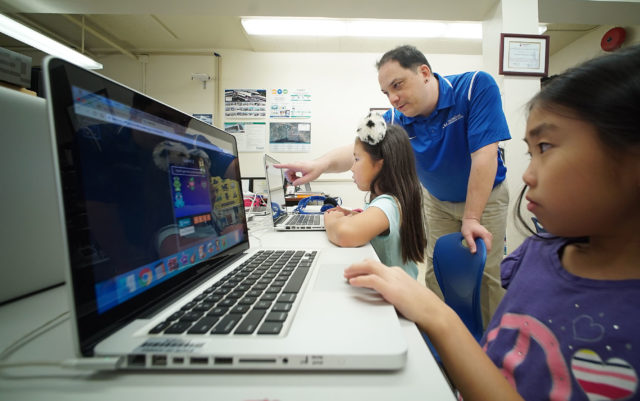
A hands-on engineering programme for middle and high school students, built around real projects with real tools rather than worksheets.

Water resource management turns out to be an excellent way to teach analytical thinking, because the stakes are visible from the classroom window.
That is the problem we exist to solve. If you teach engineering or STEM in a school, an after-school club or a vocational setting, Course Builder gives you somewhere to build, package and print your courses.
You do not need an account. The demo is fully functional: sign in with one click and build real courses. Your work is saved in a folder on your own computer, never with us. If you would rather have your own sign-in, ask us for an educator account.
Notes on STEM education, technology and access.
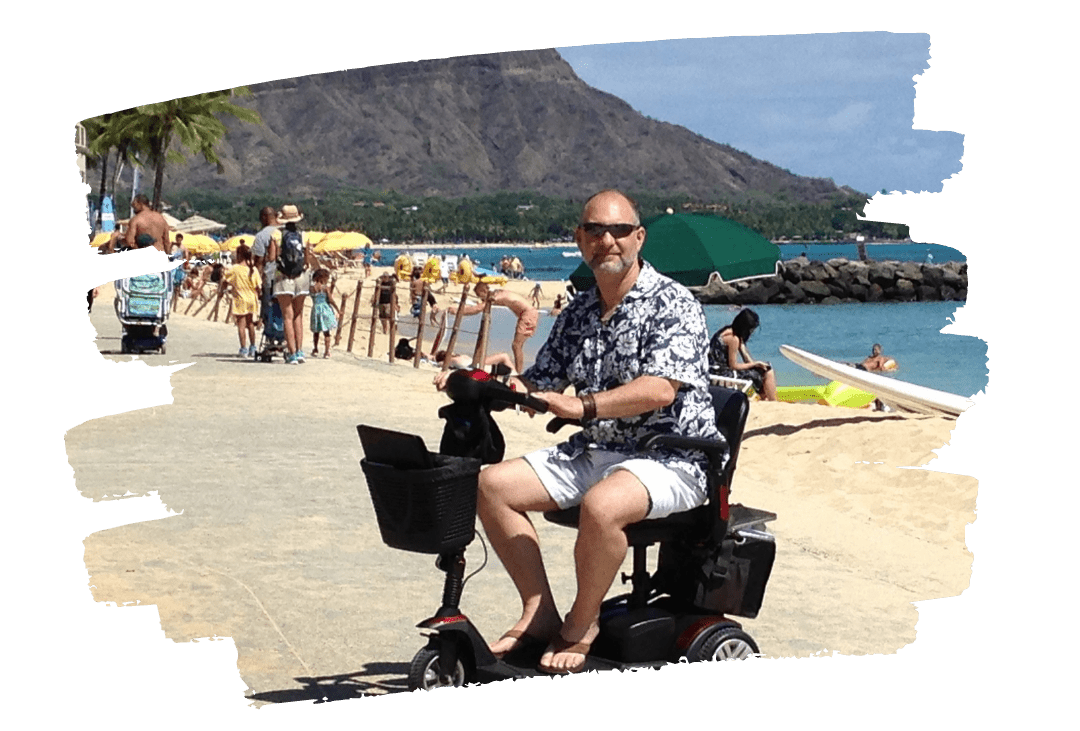
Technology that supports elders, injured workers and disabled family members turns out to be an unusually good context for STEM…
Cloud computing administration is one of the more accessible technical careers for someone without a computer science degree, and…
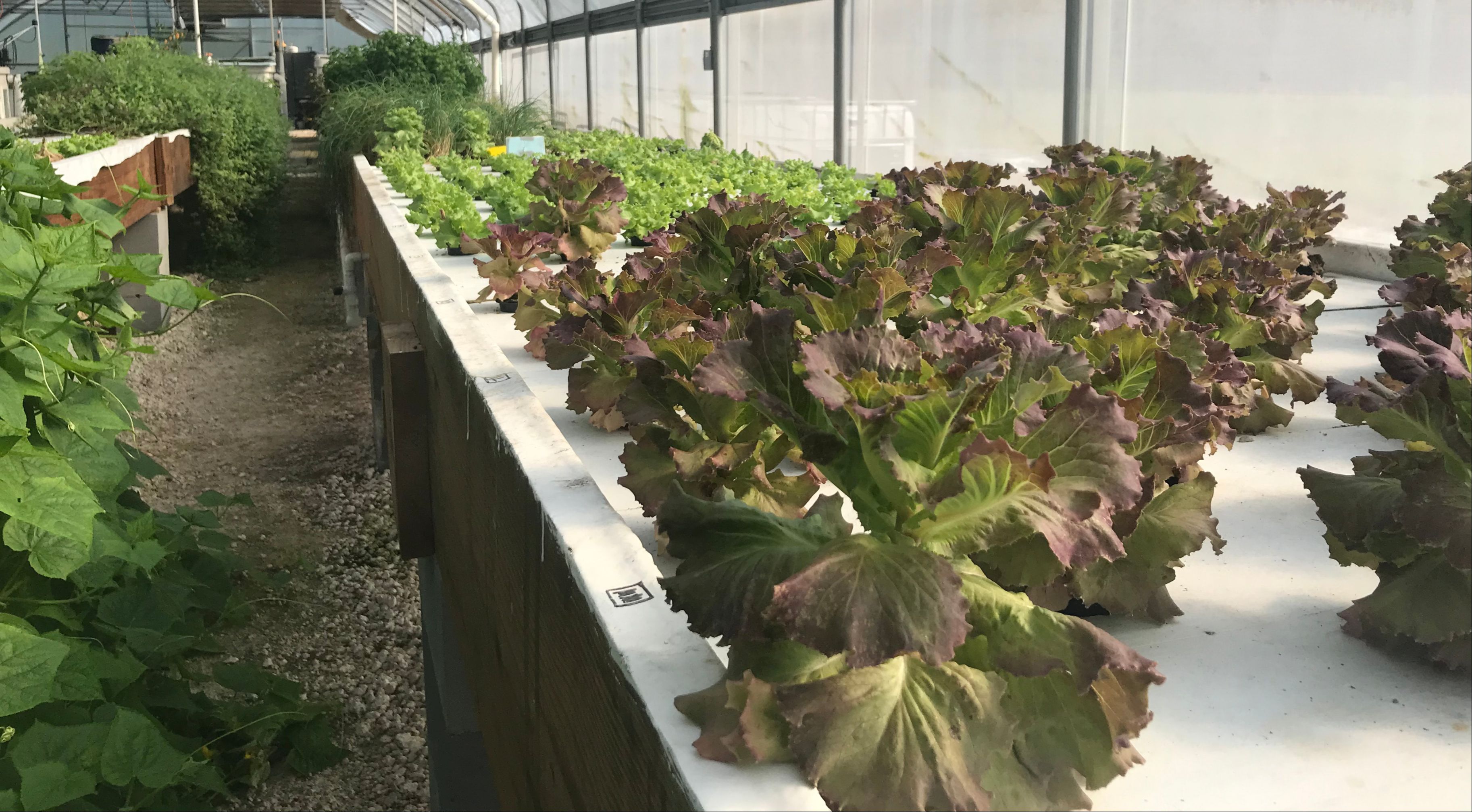
There is a persistent assumption that a modern technology programme has to be built on hosted services. For a lot of educational…